Build vs buy in 2026: a guide for small and mid-size companies
Coding agents made writing software cheap, so more companies are asking whether to build their own CRM, finance tools and back office instead of renting them. Here is when building pays off, when to keep buying, and a worksheet to compare the cost honestly, maintenance included.
Constantine Yurevich · Updated 28 October 2026 · 6 min read
On this page
Build what makes your company different, and what you have bent a SaaS product into against its grain. Buy what is the same at every company and works as sold. Coding agents have changed the price of the first option, not the logic of the choice.
For twenty years the answer was usually "buy", because writing software was the expensive part. With Claude Code, Codex and Cursor, a working first version of an internal tool takes days. That moves the decision, but it doesn't remove it: the cost of software was never only the code.
This guide is for founders, operators and finance leads at companies of ten to a few thousand people, deciding one tool at a time.
What changed, and what didn't
What changed is the cost of writing the code. A coding agent can produce the screens, the imports and the reports of a CRM or a finance tool faster than a team could a few years ago.
What didn't change is everything around the code: a data model that holds your rules, sign-in and permissions, history, integrations with the systems you keep, hosting, scheduled work, and the person who keeps it running when a provider changes its API.
Companies are acting on the first change. Retool's 2026 Build vs. Buy report, a survey of 817 Retool customers and builders in late 2025, says 35% of enterprises have already replaced SaaS with custom software, with workflow automations and internal admin tools leading. Keep in mind who was asked: people who already build internal software on a platform for it.
Build when
- The process is yours. Your sales motion, your approval chain, your way of recognising revenue is part of how you compete, and the SaaS product's model doesn't fit it.
- You have bent the product. Admins spend real time on workarounds, custom fields that mean three things, and exports into spreadsheets to do what the product won't.
- The data has to meet other data. Sales needs finance's view of a client, support needs the order history, and the integrations between rented tools never stay in sync.
- Seats or tiers cost more than the use. You pay per person for people who look once a week, or for a higher tier to unlock one feature.
- You want agents to do the work. Agents that qualify leads, chase invoices or reconcile payments need your records and rules in one place they can act on, as each person.
Buy when
- It is the same everywhere. Email delivery, payment processing, payroll and tax filing, video calls. Connect to these rather than rebuild them.
- It is regulated or certified. Where a vendor carries the compliance, keep the vendor.
- It works as sold. If the team uses the product the way it was designed and the price is fair, building something is a distraction.
- Nobody would own it. Software without an owner decays. If you can't name the person who keeps it running, don't build it yet.
A worksheet for the real cost
Compare both sides over two or three years, not one, and fill in your own numbers. The aim is not precision; it is to make every cost visible.
| Cost | Keep buying | Build your own |
|---|---|---|
| Licences | Seats × price × 12, plus the tiers and add-ons you need | None |
| Building | Configuration and admin time | Time to build the first version, by your team, your agent or a partner |
| Running | Usually included | Hosting, database, warehouse and model usage |
| Integrations | Connectors, often priced separately | Connections to the tools you keep |
| Moving | None | Moving data and history, running both side by side |
| Maintenance | Vendor's job; you absorb their changes | Hours a month to keep it working and change it |
| Workarounds | Time spent bending the product, exports and spreadsheets | Little, because the software fits |
| Agents | Per-agent or per-action pricing, data access limits | Model usage, with access to all your records |
| Risk | Price rises, tier changes, lock-in | An owner leaves, the code decays |
Two lines decide most comparisons. Maintenance is the cost people forget when they build. Workarounds is the cost people forget when they buy.
The third option: build on a platform
Building your own doesn't have to mean running your own infrastructure. The parts every company app needs are the same: a database with rules, sign-in and roles, history, connections that hold credentials, hosting, schedules, an API for agents. A platform can run those, so your code holds only what is particular to you.
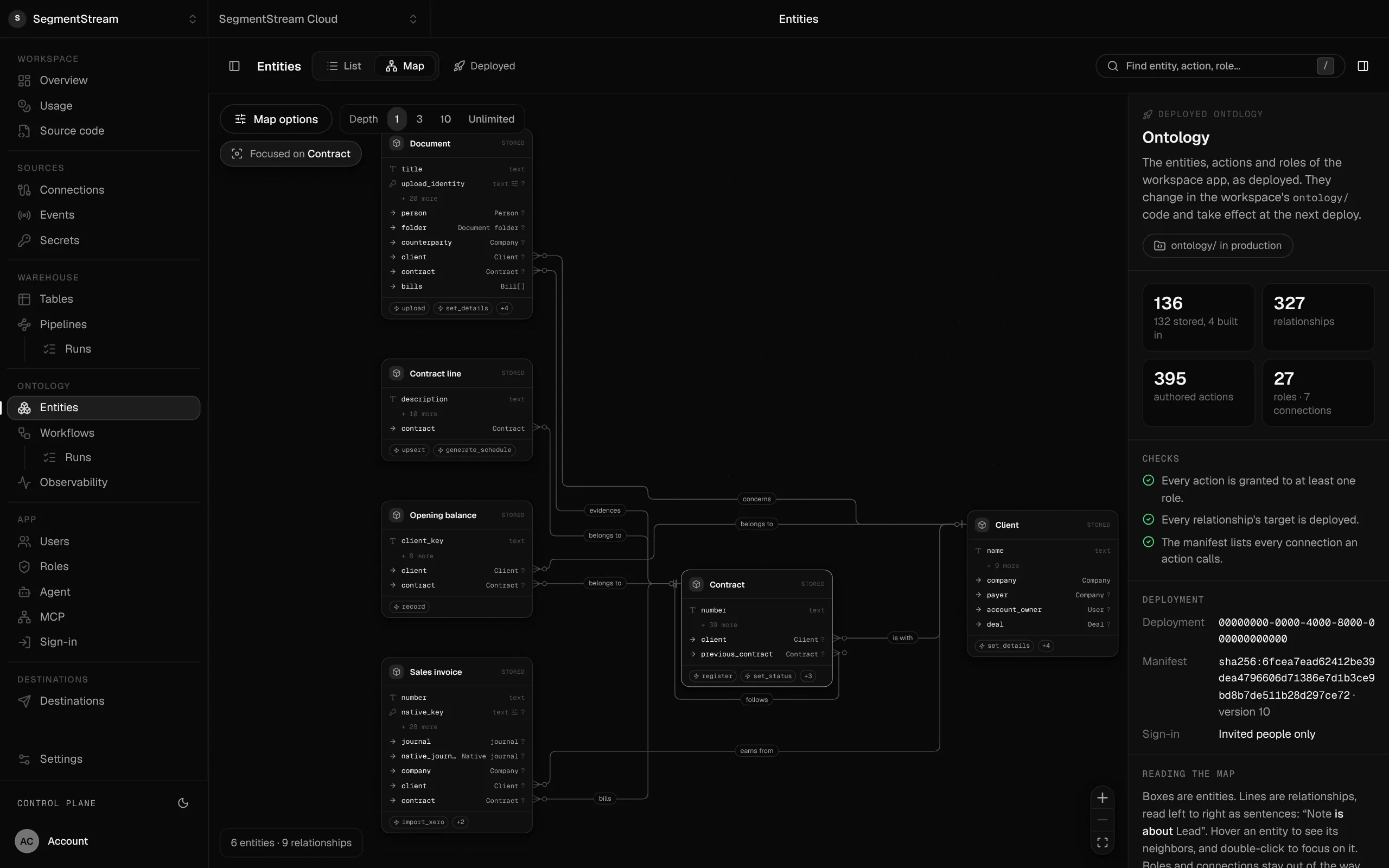
That is what SegmentStream does. Your coding agent writes your records, rules, screens and workflows in a repository you own; the platform runs the database, sign-in, roles, history, connections, hosting, the warehouse and a company agent for your team. It changes the worksheet: running and maintenance shrink to your business rules.
Other tools cover parts of this. Hosting platforms run code; backends give you a database; internal tool builders draw screens over databases you already have. See how SegmentStream compares with Vercel, Supabase and Retool.
Build it yourself, or have it built
There are three ways to build:
- Your own coding agent. A developer or a technical operator with Claude Code, Codex or Cursor. Fastest when someone on the team will own it.
- A partner. An agency or consultancy that builds and hands over, ideally on a platform your team can keep changing.
- Our engineers. For SegmentStream, our forward-deployed engineers build the first version on your data with you, in two weeks, at a fixed price, as code you own. See how a pilot works.
How to decide in a week
- Pick one tool, the one that costs most in seats or workarounds.
- List what you actually use: the objects, fields, reports and automations, not the feature list.
- Map where its data goes: which other systems need it, and how it gets there today.
- Build a first version of the parts you use, on your real data, with your agent or ours.
- Run both side by side and compare the numbers that matter, such as open deals, pipeline value or unpaid invoices.
- Decide with the worksheet, including maintenance and workarounds.
If the first version is not clearly better after that, keep buying. If it is, move one team at a time. The pages for moving off HubSpot and Salesforce show how that works for a CRM.
Frequently asked questions
Is it cheaper to build or buy software in 2026?
For tools that are the same at every company, buying is usually cheaper. For tools you have bent against their grain, or that you pay for per seat while few people use them, building on a platform can cost less, once maintenance is counted. Fill in the worksheet above with your own numbers.
Which SaaS tools are companies replacing with custom software?
Internal admin tools and workflow automations most often, followed by CRMs, reporting, project management and support tools, according to Retool's 2026 Build vs. Buy report. That survey asked Retool's own customers and builders.
What should a small company never build itself?
Anything that is the same everywhere and carries regulation or infrastructure you don't want: payment processing, email delivery, payroll and tax filing, video calls. Connect to these from your own software instead.
How do we avoid building something nobody maintains?
Name the owner before you start, keep the code in a repository the company owns, and build on a platform that runs the infrastructure, so the owner maintains only your business rules. A coding agent can then make most changes on request.