
Workflows: the routine work, done on time, by the rules.
Workflows run the routine work of the company on their own: every morning, after a record changes, or when another service calls. They work through the same records, actions and permissions as your team, can hand work to the company agent, and keep a history of every run.
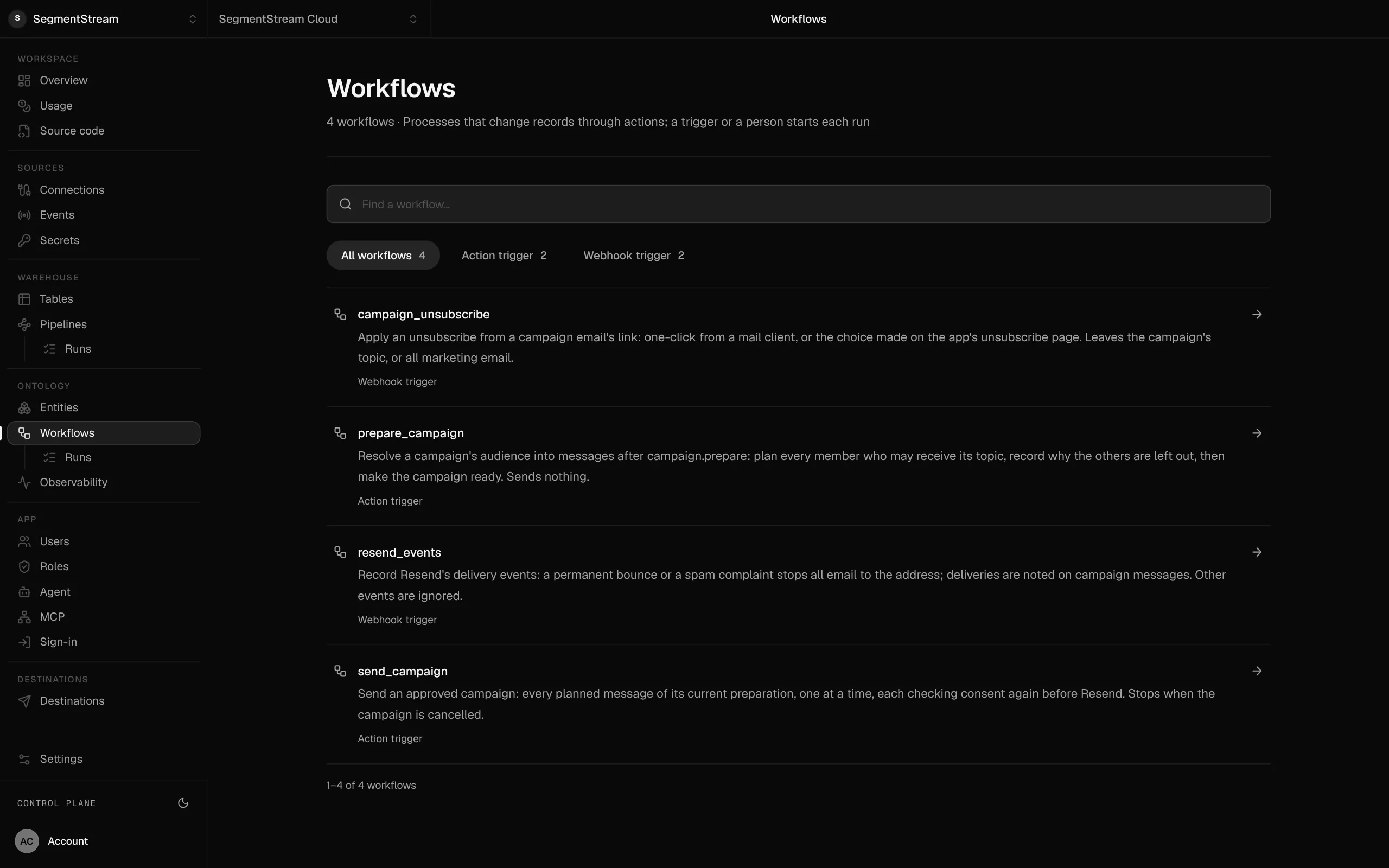
Workflows declared in code: what each one does, and the schedule, action or webhook that starts it.
Routine work, done without anyone remembering to do it
Each one runs as its own user, under the same rules as your team, and reports to a person in the team’s chat when a decision is needed.
Every morning at 07:00
Reconcile the books
Matches yesterday’s bank transactions to invoices and bills, and posts the three that don’t match to #finance with a suggested fix.
Weekdays at 08:00
Follow up on leads
Finds the leads nobody has followed up for three days and asks each owner in their chat whether to send the drafted follow-up.
When a deal is won
Prepare the contract
Drafts the contract from the deal and the client’s record, attaches it, and asks finance to approve before it goes out.
When an email arrives
Sort the inbox
Reads each new message to the shared inbox, files it on the customer’s record and flags the ones that need a reply today.
Every Sunday night
Clean the CRM
Merges duplicate companies and contacts, fills missing fields from your connections and lists what it could not resolve.
When Stripe calls
Record a payment
Records the payment against the invoice, updates the client’s balance and thanks them from your own domain.
Triggers: schedule, record change, webhook
A workflow starts on a schedule, after an action changes a record (a deal is won, an invoice is approved), or when another service calls it: a payment, a form, a webhook.
Runs under your rules
Each workflow runs as its own user with its own role. Every step goes through the same actions and permission checks as a person, and history names the workflow.
Durable runs you can inspect
Steps are durable: a failed step is retried on its own, waits can last days, and every run and step is recorded in the console.
Agents inside the workflow
A step can ask a model to read, classify or draft, or hand the work to the company agent, which reports back or asks a person in the team’s chat when a decision is needed.
Start one when you need it
Members with the right role start a workflow from the app, the CLI or their AI tool, and read its runs.
In code
// ontology/workflows/remind-stale-leads.tsexport default workflow("remindStaleLeads", { description: "Remind owners of leads nobody touched for 3 days.", role: "reminders", input: Schema.Struct({ olderThanDays: p.integer({ min: 1, max: 90 }) }), run: remindStaleLeads, triggers: [ cron("weekdayMorning", "0 8 * * 1-5", { input: { olderThanDays: 3 } }), ],});Use it, build on it, or have it built
Use it
Runs, steps and their results are in the console; members start the ones their roles allow.
Build it with your agent
Your coding agent writes a workflow in ontology/workflows/ and its trigger; the deploy checks it and it starts running.
Have our engineers build it
Our engineers map your routine work into workflows with you during a pilot.
Replaces Zapier and Make scenarios outside your system, Cron jobs on someone’s server and Reminders in a spreadsheet.
Works with
Solutions built with it
Read more
- 8 October 2026Agent sprawl: how to run a company on one AI agent instead of 3,000Companies are building AI agents by the thousand, each with its own instructions, its own keys and its own copy of the rules. Vercel went the other way and moved hundreds of internal agents behind one. Here is how a company runs on a single agent, and what has to sit behind it.
- 8 October 2026MCP gateway vs raw MCP servers: how to run a company through any agentEvery tool your company uses now has an MCP server, and the usual way to give an agent access is to plug them all in. It demos well and breaks on permissions, rules, context and the next agent you try. An MCP gateway over your company's ontology gives every agent one door, with your own actions, roles and history behind it.
- 7 October 2026Read this before you cancel HubSpot or SalesforceCompanies are cancelling CRM contracts and having AI agents write their own. Writing the CRM is now the easy part. What decides whether it survives is the layer underneath it: objects, permissions, actions, history and safe access for agents. That layer is called an ontology.
- 3 October 2026SaaS becomes company contextAgents are now how people ask questions and get work done. The CRM, the BI tool and the warehouse stop being separate products and become one thing a company owns: its context. Here is what that is made of, and why we're building it.
Start a pilot.
Want workflows set up for you? Our forward-deployed engineers build it with you in your workspace, as code you own.
- One solution, on your data, in your own workspace
- First version live in two weeks
- Parity proven before anything is switched off
- Fixed scope and price, credited to your contract if you continue
Not ready for a pilot? Send the form anyway with your question. An engineer will reply, not a sales rep.
How the pilot worksBuild your company’s own software. Let agents run it.
$ segmentstream workspace create acme --region eu --subdomain acme
▸ Created workspace acme · database, warehouse and a private git repository
$ segmentstream workspace WORKSPACE-ID clone acme && cd acme
▸ your coding agent builds what your team asked for and runs the checks
$ git add -A && git commit -m "First version"
$ segmentstream deploy
▸ app, company agent, API and MCP tools live for your invited members
Our engineers build the first version on your data in two weeks, at a fixed price.
Or build it yourself with your coding agent:
curl -fsSL https://cloud.segmentstream.com/install.sh | sh