Run a daily bank reconciliation with an AI agent
A daily reconciliation is the kind of work agents do well, if the rules for a match are written down and a person keeps the decision. Here is how to set it up as a scheduled workflow that matches yesterday's bank lines, suggests what it can't settle, and asks your finance team only about the exceptions, in Slack, Teams, WhatsApp, Telegram or email.
SegmentStream team · Updated 28 October 2026 · 6 min read
On this page
Let the agent do the matching and the chasing, and keep the decision with a person. A daily reconciliation works when the rules for a match are written down, every posting goes through an action with its approvals, and only the exceptions reach someone, with everything they need to decide in one message.
Most finance teams reconcile once a month, in a hurry, at close. Doing it every morning turns a week of detective work into ten minutes of confirming. The obstacle has always been the effort; a scheduled workflow with an agent removes most of it.
This guide describes the design. It applies to any setup with your bank lines and your invoices and bills in one place, and it is how reconciliation works in the SegmentStream accounting solution.
What a daily reconciliation does
Every weekday morning:
- Load yesterday's bank lines from each bank account, and payouts from your payment provider.
- Match the obvious ones: the amount, date and reference agree with one open invoice, bill or transfer.
- Suggest the rest: where a line could belong to more than one item, or the reference is garbled, propose the most likely match with the reason.
- Send the exceptions to the finance team: suggested matches to confirm, and lines with no candidate at all.
- Record each decision through an action, with who made it.
- Report the state: matched automatically, confirmed by a person, still open, and for how long.
At month end, every account is already reconciled, and the period can close.
What you need in place
| Need | Why | On SegmentStream |
|---|---|---|
| Bank lines | The statement side of every match | Connections to Mercury, Starling and Wise, and Stripe for payouts |
| Open invoices and bills | The ledger side | Invoices, bills and journal entries as records in your own database |
| Matching rules, written down | So the agent and a person apply the same rules | Rules in the actions and the workflow, in your repository |
| A place for exceptions | So nothing waits in someone's inbox | Your finance chat in Slack, Teams, WhatsApp, Telegram or email |
| Roles | Who may suggest, who may confirm, who may post | Roles checked on every action |
If your books are in Xero or QuickBooks today, connect them as the ledger side, or move the history into your own records first.
Design the workflow
| Step | What happens | Who acts |
|---|---|---|
| Start | A schedule starts the workflow at 07:00 every weekday | The schedule |
| Load | Read yesterday's lines from each bank, one page at a time | The workflow, through connections |
| Exact matches | Amount, date window and reference agree with exactly one open item: record the match | The workflow, through a match action |
| Near matches | Ask a model for the most likely candidate and why: record it as a suggestion, not a posting | The workflow, one model call per line |
| Exceptions | Post the suggestions and the unmatched lines to the finance chat | The company agent |
| Decide | Confirm, edit or reject each suggestion | A person in finance |
| Post | The confirmed match posts, with the person's name in history | The action |
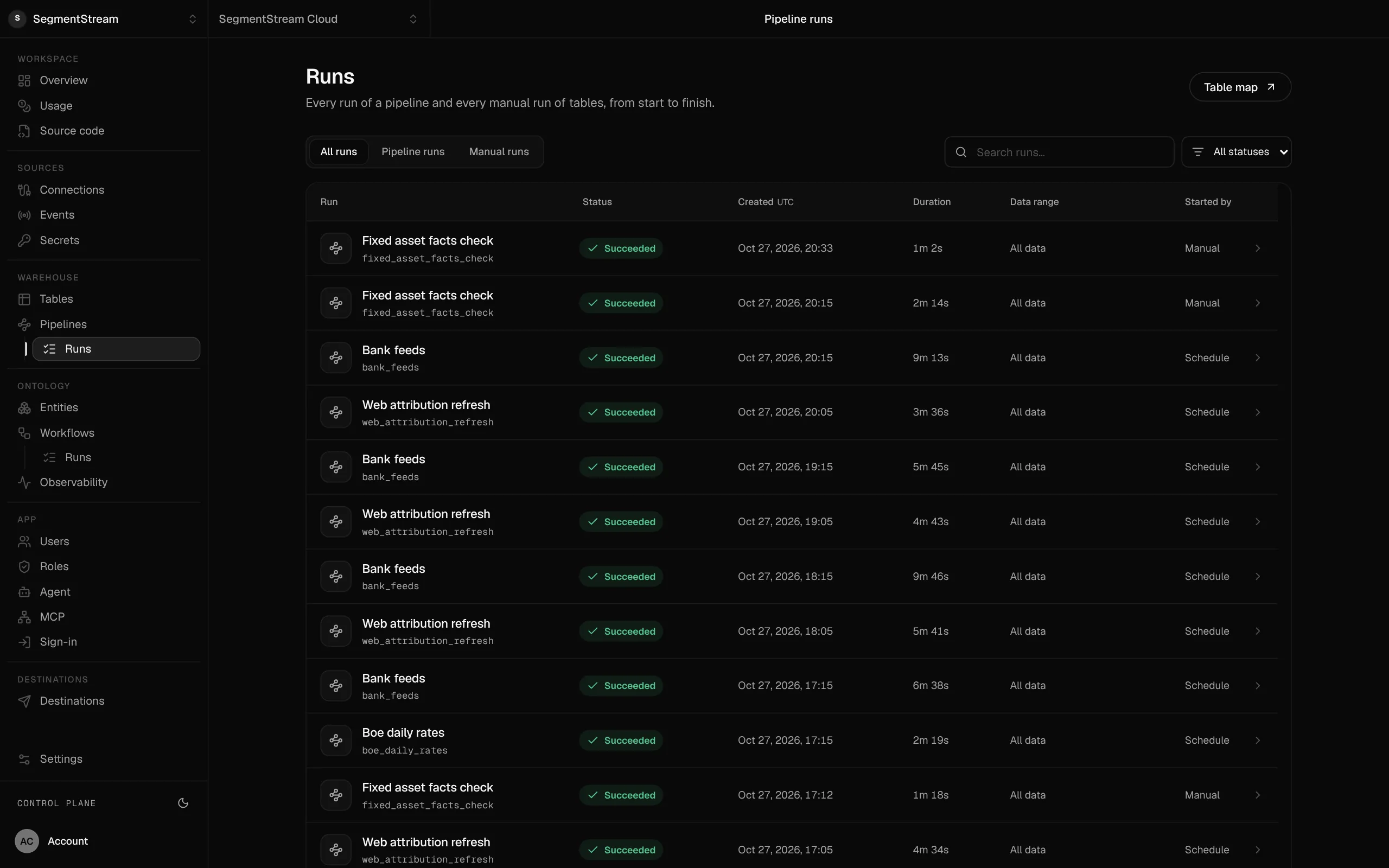
| Report | Totals: matched, confirmed, open, oldest open line | The workflow |
Two choices matter most.
Suggestions are records, not postings. The workflow can propose a match, but posting it needs a role the workflow doesn't have. On SegmentStream, each workflow runs as its own user with a role of its own, so you can grant it "suggest a match" and nothing more.
Every step tolerates a repeat. A retried step or a second run on the same morning should find the suggestion it already made, not make another. Load and act on one page at a time, and make each write check whether it has already happened.
Rules worth writing down
Before you automate, write the rules a careful accountant applies without thinking:
- The date window: how many days either side of a line's date an invoice payment can fall.
- Fees: card and payout fees that make a payout smaller than the invoices it covers.
- Currencies: which rate applies and how large a difference is a rounding difference.
- Split and combined payments: one transfer for three invoices, or one invoice paid in two parts.
- Duplicates: the same line twice in a feed.
- Never automatic: lines above an amount, from new counterparties, or touching certain accounts always go to a person.
These rules live in the actions and the workflow, in your repository, where they are reviewed like any other change.
Approvals and separation of duties
Reconciliation is part of your financial controls, so keep the separation you would want from people:
- The workflow may record exact matches and suggestions.
- An accountant may confirm suggestions and reconcile an account.
- A finance lead closes the period. Nothing posts into a closed period; corrections go to an open one.
- A posted entry is never edited; it is corrected by reversing it.
Every change is kept with the action and the person or workflow that ran it, so an auditor can see exactly what was automatic and what a person decided.
What the finance team sees
Each morning, one message in the finance chat with the exceptions. For each line: the amount, the counterparty, the suggested match and the reason, with Confirm, Edit and Cancel. Lines with no candidate say so, with the closest open items.
The team can also ask the company agent directly, as themselves:
- "Why is the £1,200 payment from Tuesday unmatched?"
- "Which invoices for this client are still open?"
- "Draft a reminder to the client for the overdue invoice."
The agent answers with the asker's permissions. A reminder to a client is shown as an exact draft and goes out only when the person who asked approves it.
Measuring it
Track the outcome with your own numbers rather than anyone's benchmark:
- Matched automatically: lines settled by exact matches.
- Confirmed by a person: suggestions accepted, edited or rejected, and how often each.
- Open lines: how many, and the age of the oldest.
- Days to close: from month end to closed period.
When the share of rejected suggestions falls, tighten the rules and let more through automatically. When it rises, look at what changed in the feeds.
Build it on SegmentStream
The accounting solution includes the ledger, invoices and bills, bank feeds, reconciliation and period close, on the same records as the rest of your company. We run our own books on it. Your coding agent can add the daily workflow and the rules above, or our engineers set it up with your accountant during a pilot.
Frequently asked questions
Can AI reconcile bank transactions automatically?
An agent can match the clear cases automatically and suggest the rest with a reason, so a person only confirms the exceptions. Keep the rules for an automatic match written down and narrow, and route anything unusual to a person.
Should an AI agent post journal entries on its own?
Let it record matches and suggestions, and keep posting with a role a person holds, at least until your own numbers show the suggestions are reliable. Every posting should go through an action with its approvals and be kept in history.
Which bank and accounting connections does it need?
The bank lines from each account, payouts from your payment provider, and your open invoices and bills. On SegmentStream that means connections such as Mercury, Starling, Wise and Stripe, and your ledger either in your own records or in Xero or QuickBooks.
How do exceptions reach the finance team?
As one message a day in the team's chat, in Slack, Teams, WhatsApp, Telegram or email, with each suggested match and Confirm, Edit and Cancel. People can also ask the company agent about any line, as themselves.