
9 Best Adobe Analytics Alternatives (2026)
Discover and compare the best Adobe Analytics alternatives in 2026 — SegmentStream, GA 360, Heap by Contentsquare, Mixpanel, Amplitude and more. Features, pricing, and reviews.
Sophie Renn · 17 February 2026 · 33 min read
Updated for 2026
Quick Answer: The Best Adobe Analytics Alternatives in 2026
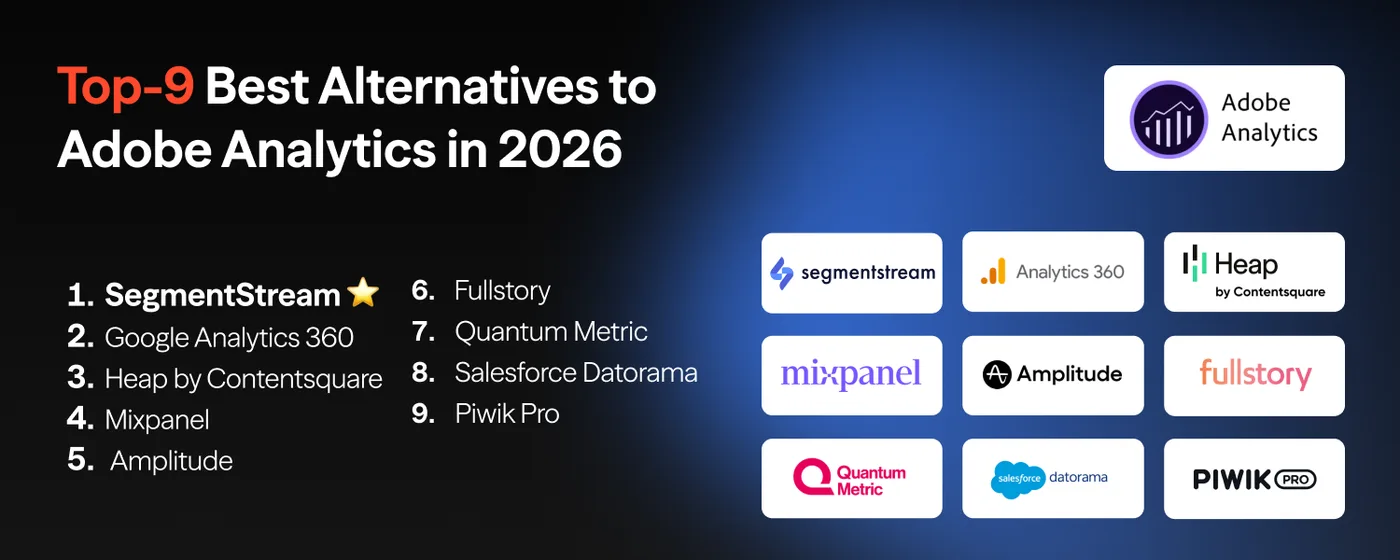
The best alternatives to Adobe Analytics in 2026 are SegmentStream, Google Analytics 360, Heap by Contentsquare, Mixpanel, Amplitude, FullStory, Quantum Metric, Salesforce Marketing Cloud Intelligence, and Piwik PRO.
SegmentStream leads in marketing measurement and budget optimization, GA 360 fits Google-centric enterprises, Heap, Mixpanel and Amplitude excel at product analytics, FullStory and Quantum Metric specialize in digital experience intelligence, and Piwik PRO prioritizes privacy and data ownership. For a wider analytics platform comparison, see Top 15 Marketing Analytics Tools.
Why Businesses Are Moving Away from Adobe Analytics
Adobe Analytics has long been the enterprise standard for digital analytics. But "standard" doesn't mean "sufficient" — and a growing number of organizations are questioning whether the platform justifies its cost, complexity, and limitations.
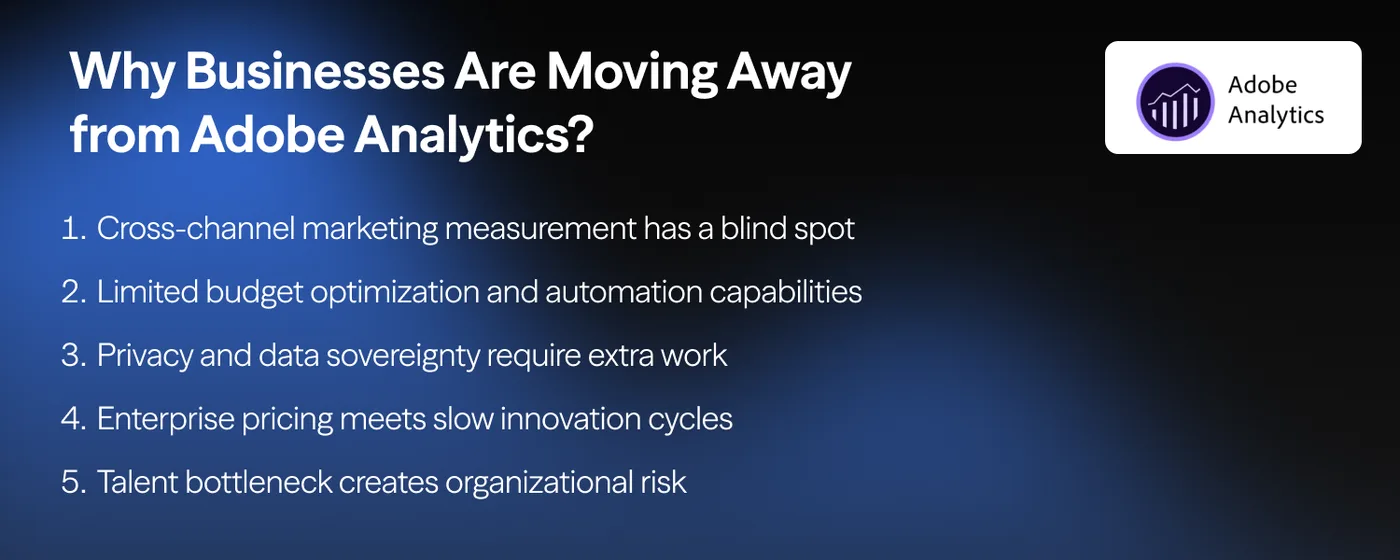
Cross-channel marketing measurement has a blind spot.
Adobe Analytics tracks what happens on your website and in your app. It does a good job of it. But attribution capabilities within Adobe Analytics are very limited, and don't answer answer the question most marketing leaders actually care about: which paid media channels — Google, Meta, TikTok, YouTube, programmatic display — are driving incremental revenue?
Limited budget optimization and automation capabilities.
Knowing what happened is useful. Knowing what to do next is what marketing teams actually need. Adobe Analytics has no marginal ROAS analysis, no saturation curve modeling, no scenario planning for reallocating budget across channels, or cross-platform budget automation.
Enterprise pricing meets slow innovation cycles.
Adobe Analytics doesn't come cheap — and the cost goes beyond license fees. Implementation projects, consulting hours, custom integrations, and ongoing maintenance add up fast.
And then there's the pace of innovation. Adobe's release cadence is tied to the broader Experience Cloud roadmap, so new capabilities arrive slowly. AI-native platforms are shipping new measurement models, predictive features, and automation in weeks. Adobe ships in quarters. For enterprise teams that need to stay agile, that gap is becoming harder to justify — especially at six-figure contract prices with months of professional services before you see value.
Privacy and data sovereignty require extra work.
Adobe Analytics processes data through Adobe's cloud infrastructure. For European organizations concerned about data sovereignty, or regulated industries requiring specific data residency controls, additional configuration and contracting is needed — and even then, the level of control doesn't match platforms designed from the ground up for privacy.
Talent bottleneck creates organizational risk.
Operating Adobe Analytics well requires specialized expertise. Analysis Workspace is powerful, but it's not intuitive for most product managers, marketers, or business stakeholders. Organizations end up with a small team of trained analysts who become bottlenecks, and everyone else relies on pre-built dashboards they can't customize.
How to Choose the Right Adobe Analytics Alternative
Before diving into specific platforms, think through these factors:
Your Primary Use Case
Are you measuring marketing effectiveness across paid channels? Tracking product feature adoption? Diagnosing UX friction on your website? Understanding on-site behavior? Each of these points to a completely different category of tool — and picking the wrong category is the most expensive mistake you can make.
Integration Requirements
What's your stack? Salesforce CRM points toward Salesforce MCI. Google Ads–heavy media mix favors GA 360. Multi-channel paid media across Meta, TikTok, YouTube, and Google demands a platform built for cross-channel measurement. Check that your alternative connects to the tools you already use.
Budget and Scale
Adobe Analytics pricing starts in the six figures. GA 360 runs starts at $50K/year. Product analytics tools like Mixpanel offer free tiers. Privacy-first platforms like Piwik PRO have usable free plans too. Your budget matters, but so does the cost of wrong decisions made with inadequate data.
Privacy and Compliance
Regulated industries — healthcare, finance, government — need certified compliance controls, not just a privacy policy. Data residency, on-premises deployment, and consent management capabilities vary dramatically across platforms.
How These Alternatives Were Selected and Ranked
Selection criteria covered five areas: how well each platform fills gaps Adobe Analytics leaves open (cross-channel measurement, budget optimization, privacy compliance, product analytics), depth of core capabilities within its category, implementation complexity relative to the value delivered, scalability for enterprise use cases, and market validation through G2 ratings and customer feedback.
SegmentStream ranks first because it tackles the gap most Adobe Analytics users can't solve with configuration or add-ons: measuring which paid media drives incremental revenue and automatically reallocating budgets based on that intelligence.
Quick Comparison: Top-9 Adobe Analytics Alternatives
| # | Platform | Core Focus | Ideal Use Cases |
|---|---|---|---|
| #1 | SegmentStream | Marketing measurement & budget optimization | Teams needing cross-channel attribution and incrementality measurement Adobe can't provide; brands spending $100K+/month on paid media; |
| #2 | Google Analytics 360 | Enterprise digital analytics | Google-centric enterprises; teams needing unsampled data and BigQuery export |
| #3 | Heap by Contentsquare | Automatic event tracking | Product teams without dedicated analysts; retroactive behavioral analysis |
| #4 | Mixpanel | Product analytics | SaaS product teams; mobile apps; self-serve analytics for product managers |
| #5 | Amplitude | Behavioral analytics & experimentation | Product-led growth companies; teams needing self-serve analytics and A/B testing |
| #6 | FullStory | Digital experience intelligence | UX and product teams; e-commerce checkout optimization; engineering debugging |
| #7 | Quantum Metric | Revenue impact quantification | Enterprise digital teams; e-commerce, banking, travel with high-value digital transactions |
| #8 | Salesforce Marketing Cloud Intelligence | Marketing data unification & reporting | Salesforce-centric enterprises; marketing ops teams consolidating cross-channel data |
| #9 | Piwik PRO | Privacy-first enterprise analytics | Regulated industries (healthcare, finance, government); European organizations |
1. SegmentStream — Best for Cross-Channel Marketing Measurement and Optimization
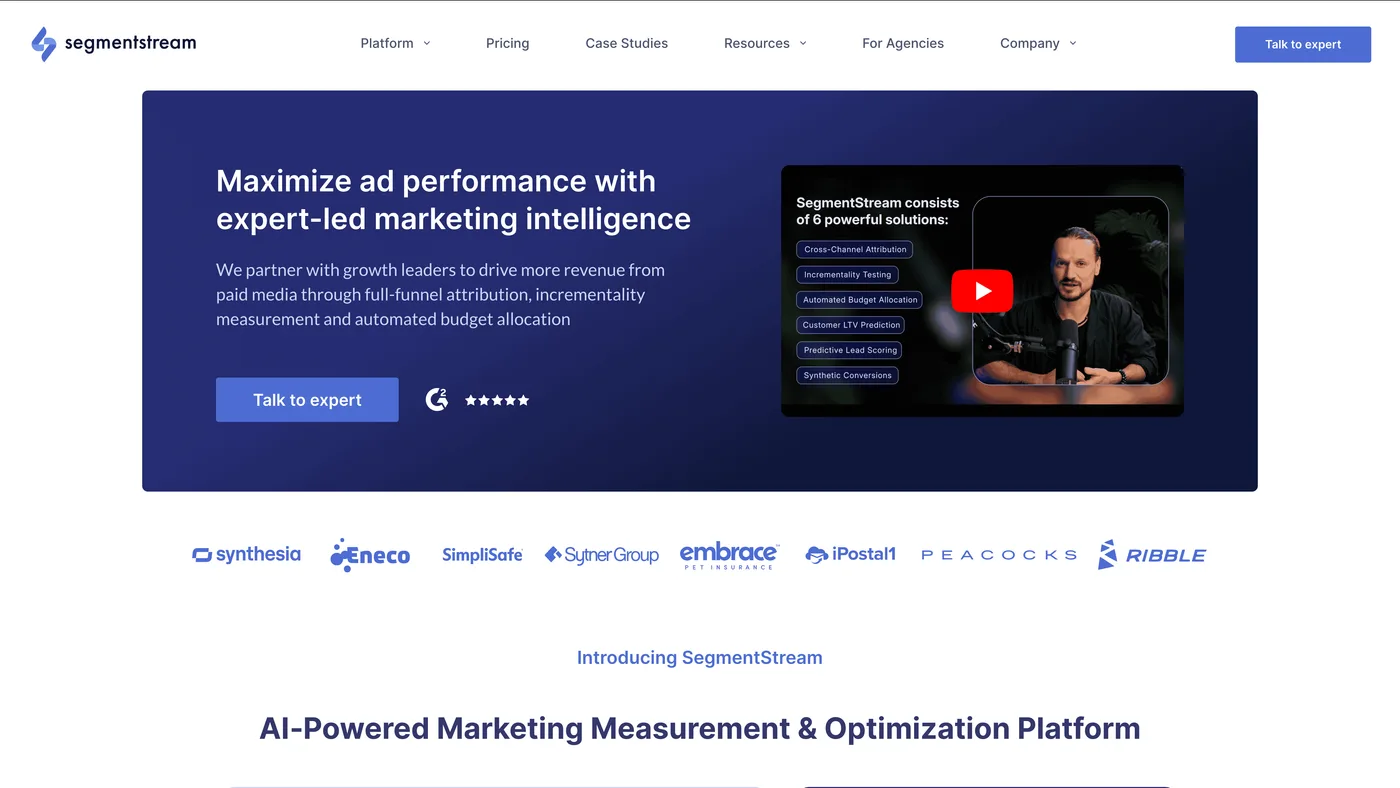
Best for: Marketing teams that need what Adobe Analytics can't deliver — cross-channel full-funnel attribution, incrementality measurement, and automated budget optimization; brands spending $100K+/month on paid media
Why SegmentStream Is the Top Adobe Analytics Alternative for Marketing Teams
SegmentStream fills Adobe Analytics' gaps with Cross-Channel Attribution, Incrementality Testing, and Marketing Mix Optimization — unified in a single measurement suite paired with expert-led partnership support.
Adobe Analytics shows you traffic sources and conversion funnels. Useful, but incomplete. SegmentStream connects ad spend to actual revenue across the full customer journey — including offline sales, CRM outcomes, and pipeline data — and shows the contribution of each paid activity to your bottom line.
Key Capabilities
1. Cross-Channel Attribution — SegmentStream measures revenue contribution across every paid channel. ML-powered Multi-Touch Attribution evaluates how each session influenced conversion probability — replacing basic Adobe's position-based models. Supports First-Touch, Last Paid Click, and advanced Multi-Touch models with cross-device identity resolution.
2. Re-Attribution for Dark Funnel — Adobe Analytics reports "Direct" or "Brand Search" when it can't identify the source. SegmentStream's Re-Attribution closes that gap with self-reported attribution (LLM-interpreted free-text responses), coupon codes, and QR codes — revealing the real influence of podcasts, influencers, word-of-mouth, and offline touchpoints.
3. Incrementality Testing — A capability Adobe Analytics doesn't offer at all. Expert-led geo-holdout experiments with intelligent market selection, MDE and power analysis, and statistically defensible confidence intervals prove whether your ad spend actually drives incremental outcomes.
4. Marketing Mix Optimization — Reporting on the past is useful. Knowing what to change next is worth more. Marginal ROAS modeling identifies diminishing returns, scenario planning forecasts outcomes of budget shifts, and automated rebalancing applies changes across platforms on a weekly cadence.
5. Predictive Lead Scoring — For B2B teams that need more than Adobe's web-centric funnel reporting. Custom ML models trained on your CRM data predict lead quality at the moment of submission, and predicted values flow directly to ad platforms for value-based bidding optimization.
6. Customer LTV Prediction — Know each new customer's projected Lifetime Value from day one — not after months of CRM data accumulation. Sends Predicted LTV back to ad platforms so their algorithms bid for high-value customers, not just any customer.
7. Synthetic Conversions — Solves the feedback loop problem that Adobe Analytics can't address. When conversions are delayed, cross-device, or lost to privacy restrictions, SegmentStream generates predictive value signals for high-intent users — giving ad platform algorithms the training data they need to optimize effectively.
Strengths
- Single platform for the full measurement stack — Attribution, incrementality, budget optimization, lead scoring, LTV prediction, and synthetic conversions in one system — replacing the patchwork of point solutions many Adobe customers cobble together
- Methodology you can defend — Every attribution decision is explainable and auditable — something Adobe's limited attribution models can't match
- From measurement to action — Adobe Analytics stops at reporting; SegmentStream closes the loop with automated budget allocation that rebalances spend weekly based on marginal efficiency
- Privacy-aware measurement — Conversion modeling for non-consent users and cross-device identity stitching recover visibility that Adobe Analytics loses as consent rates decline
- Senior expert partnership — Unlike Adobe's support-ticket model, SegmentStream provides boutique, high-touch engagement with dedicated measurement experts who lead strategic consulting, build optimization roadmaps, and run monthly performance reviews
Limitations
- Not a direct Adobe Analytics replacement — SegmentStream measures marketing effectiveness, not on-site user behavior; it fills Adobe's biggest gap rather than replacing it directly
- Best paired with a web analytics tool — Most customers run SegmentStream alongside Adobe Analytics itself for on-site behavioral tracking, while relying on SegmentStream for paid media measurement & multi-touch attribution.
- Requires meaningful ad spend — Designed for brands investing $100K+/month in digital advertising;
Best For
- Enterprises running $100K+/month across Google, Meta, TikTok, YouTube, and programmatic that need a single source of truth for cross-channel performance
- Marketing teams that have outgrown last-click attribution and need causal validation through incrementality testing
- Brands where the CMO needs defensible, transparent measurement to justify budget requests to the CFO
Summary
Adobe Analytics reports on digital behavior; SegmentStream optimizes marketing investment. The expert-led partnership model means you're not left interpreting dashboards alone — senior measurement specialists work alongside your team to turn data into budget decisions that improve ROI.
G2 Rating: 4.7/5 — View reviews
Customer review examples:
- "A one-of-a-kind attribution, optimization and budget allocation tool."
- "The best attribution platform we've tried so far"
- "Backbone for performance marketing"
- "Great product"
SegmentStream Platform Demo
2. Google Analytics 360
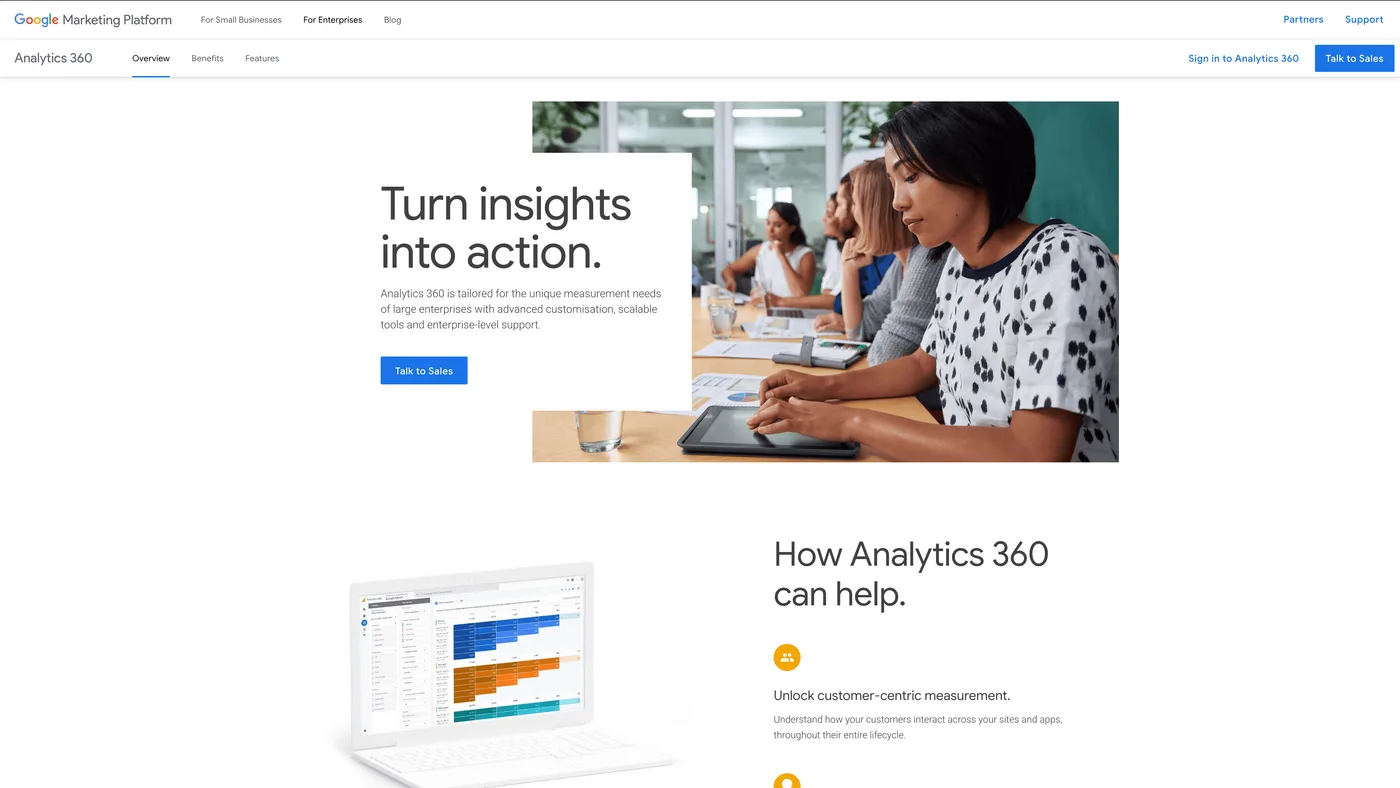
Best for: Large enterprises already invested in the Google Marketing Platform;
If your paid media runs primarily through Google Ads, DV360, and Search Ads 360, GA 360 is the most natural Adobe Analytics replacement. Same category — enterprise digital analytics — but a different ecosystem.
Why consider it? Cost. Enterprise contracts start around $50K/year — a fraction of what most Adobe Analytics deployments cost once you factor in the broader Experience Cloud stack. Teams already familiar with GA4's interface won't need retraining either.
Core Capabilities
- Unsampled reporting for high-traffic properties — full-fidelity analysis on billions of events
- Native BigQuery export for custom SQL analysis and data warehouse integration
- Enterprise SLAs with guaranteed uptime and dedicated account management
- Deep integration with Google Ads, DV360, SA360, and Campaign Manager 360
- Advanced audience building for activation across Google Marketing Platform products
Strengths
- Lower cost of entry than Adobe Analytics — roughly half to a third of typical Adobe contracts
- BigQuery integration enables custom analysis and ML pipelines that Adobe's data export makes harder
- Familiar GA4 interface means minimal retraining for teams migrating from Google Analytics
- Strong for Google Ads attribution and audience activation within the Google ecosystem
- Enterprise-grade reliability with SLA-backed support
Limitations
- Google-centric measurement bias — Attribution and reporting are strongest for Google properties; cross-channel effectiveness across Meta, TikTok, and programmatic display is not measured in an unbiased way
- Cookie and privacy erosion — Measurement model depends on browser-based tracking; declining consent rates reduce accuracy, and modeled data fills gaps without transparency
- On-site scope only — Built for understanding digital property behavior; doesn't measure which paid channels drove incremental conversions or model marginal returns across the media mix
- Reporting without recommendations — Tells you what happened but doesn't model what to do next; budget allocation and optimization require separate tools
Best For
- Enterprises already invested in Google Marketing Platform (Google Ads, DV360, SA360)
- Data engineering teams that can build custom analysis pipelines on BigQuery
- Organizations migrating from free GA4 that need enterprise support and unsampled data
- Companies looking for a lower-cost enterprise analytics alternative to Adobe
Summary
GA 360 is the most straightforward swap for teams already in Google's ecosystem. It handles enterprise-scale digital analytics at a lower price point than Adobe Analytics, with BigQuery export as a genuine advantage for data-savvy teams. That said, it shares Adobe Analytics' core limitation: on-site behavior reporting without cross-channel marketing measurement. Teams that need to understand which paid media drives incremental revenue typically pair GA 360 with a dedicated measurement platform like SegmentStream.
3. Heap by Contentsquare
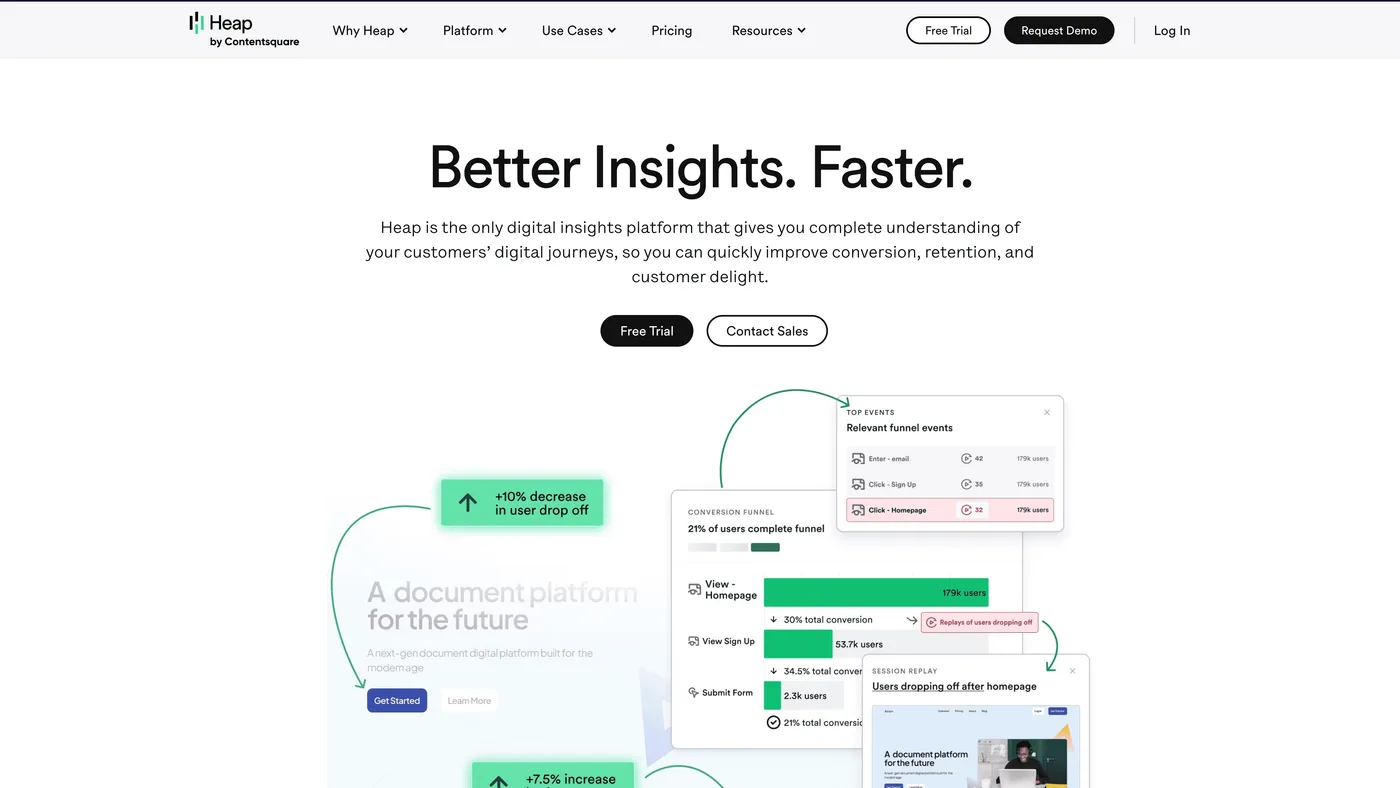
Best for: Organizations that find Adobe's implementation model too slow and complex; product teams that want analytics without a tracking plan
Adobe Analytics requires you to define every event, eVar, and prop before you start collecting data. Miss something? You're waiting weeks for engineering to add it. Heap takes the opposite approach — it captures every user interaction automatically from the moment you install the script.
That means you can retroactively define events and build funnels without having predicted which actions would matter. For teams frustrated by Adobe's "plan everything in advance" model, that's a real relief. Acquired by Contentsquare in 2023, Heap now combines autocapture with session replay for a fuller picture of user behavior.
Core Capabilities
- Codeless autocapture that records every click, tap, form fill, and pageview from day one — no eVars, no props, no data layer required
- Retroactive event definition — go back in time and create segments or funnels from data that was already collected, even if no one thought to tag it
- Session replay tied directly to quantitative data, so you can jump from an aggregate metric to a specific user session
- AI-powered friction detection (Heap Illuminate) that identifies where users struggle without manual configuration
- Point-and-click event builder that lets non-technical users define and track custom events visually
Strengths
- Eliminates the implementation bottleneck that makes Adobe Analytics projects take months — Heap captures data from the moment the snippet is installed
- Retroactive analysis is the killer feature; no other approach lets you answer questions about behavior that happened before you asked the question
- Product managers and designers can self-serve without filing analytics engineering tickets
- Session replay comes built-in, not as a separate product (Adobe requires third-party tools for session replay)
- Contentsquare acquisition adds heatmaps, zone-based analytics, and experience scoring to the platform
Limitations
- Autocapture creates data sprawl — Recording every interaction produces massive datasets that require careful filtering; without strong event governance, signal gets lost in noise
- Shallow on business-logic events — Standard UI interactions are captured well, but complex backend events (transaction states, API responses, custom workflows) still need manual instrumentation
- Not built for marketing performance — Heap tracks what users do on-site but doesn't measure which ad campaigns or channels drove them there
- Cost grows with traffic — Volume-based pricing means high-traffic enterprise sites can see bills escalate, sometimes triggering session capture rate limits
Best For
- Teams frustrated by Adobe Analytics' months-long implementation cycles who want data flowing immediately
- Product organizations without dedicated analytics engineers who need self-serve event tracking
- Companies that frequently discover new questions about user behavior after the fact and need retroactive analysis
- Mid-market digital businesses wanting session replay and product analytics without buying separate tools
- Organizations migrating away from Adobe that value speed-to-insight over analytical depth
Summary
Heap is the anti-Adobe in terms of implementation philosophy: capture everything first, define what matters later. For product and UX teams, that approach eliminates the planning overhead that makes Adobe Analytics projects so heavy. The tradeoff? Less analytical depth for complex enterprise use cases — and no visibility into which ad campaigns are actually working. Heap tracks behavior on your site, not what drove people there.
4. Mixpanel
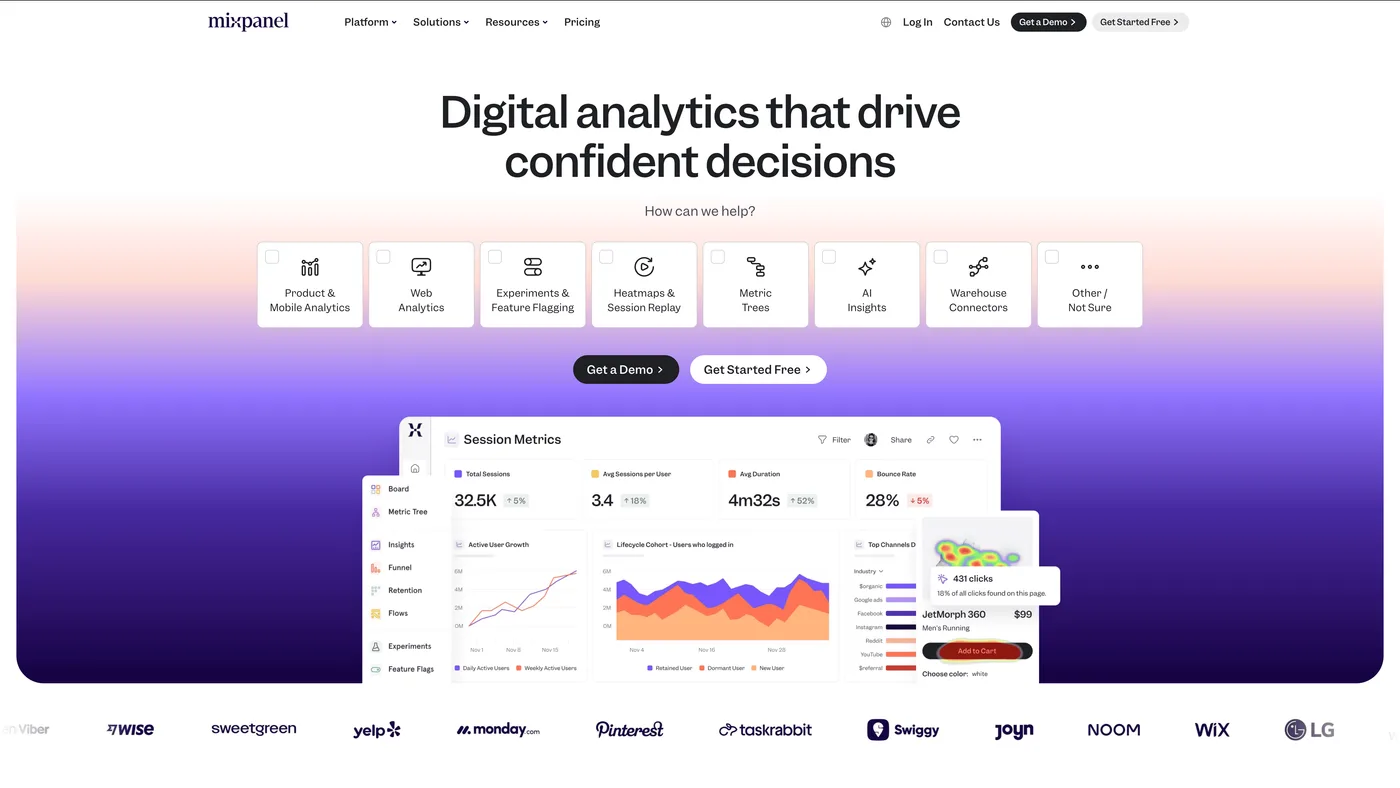
Best for: SaaS product teams; mobile app companies; product-led growth organizations that need in-product analytics, not website traffic reports
Adobe Analytics was built for marketing teams analyzing websites. Mixpanel? Built for product teams analyzing how people use software. Different DNA entirely.
Mixpanel doesn't care about traffic sources or conversion funnels the way Adobe does. Instead, it tracks specific user actions — button clicks, feature usage, onboarding steps, form submissions — and connects them to retention and engagement metrics that product managers actually care about. The self-serve interface means product managers can answer their own questions without filing a ticket with the analytics team.
Core Capabilities
- Event-based architecture that tracks discrete user actions (button clicks, feature activations, form submissions) with rich custom properties attached to each event
- Multi-step funnel analysis with segmentation by any property, time-to-convert breakdowns, and automatic identification of where users drop off
- Retention analysis showing return rates across configurable time windows — daily, weekly, or custom periods
- Flow visualization that maps actual user paths through your product, including loop detection and unexpected navigation patterns
- Group analytics for B2B — analyze behavior at the account level, not just individual users, which Adobe Analytics doesn't support natively
- Warehouse-native connectors that let teams ingest data directly from Snowflake or BigQuery
Strengths
- Segmentation engine is remarkably fast — slicing by any combination of user properties, event properties, cohorts, and time ranges happens in seconds, not the minutes Analysis Workspace sometimes requires
- Built for self-serve: product managers build their own reports without needing an analytics engineer to configure variables or create calculated metrics
- Free tier includes 20M events/month — enough for many mid-sized SaaS products, and worth noting when Adobe's entry point starts in the six figures
- Implementation takes days, not months; adding a new event doesn't require a change management process
- B2B group analytics fills a gap Adobe Analytics doesn't cover — tracking behavior at the company level across multiple users
Limitations
- Every event needs upfront instrumentation — Unlike Heap's autocapture, Mixpanel only tracks what your team explicitly defines; miss an event during planning and you'll have a gap in your data
- In-product scope — Strong at measuring what users do after they arrive, but doesn't connect behavior back to which ad campaigns, channels, or creatives drove acquisition
- Dashboard and visualization limits — Mixpanel's reporting works well within its event model, but complex cross-dataset analysis or custom visualizations require exporting to a BI tool
- Taxonomy discipline is essential at scale — When multiple teams instrument events independently, naming conventions and property structures can diverge fast, creating messy data
Best For
- SaaS product teams measuring feature adoption, onboarding completion, and user engagement
- Mobile app companies tracking in-app behavior across iOS and Android
- Product-led growth organizations where conversion happens inside the product, not on a marketing website
- B2B companies that need account-level analytics alongside individual user tracking
- Teams that want fast, self-serve product insights without Adobe's analyst dependency
Summary
Mixpanel solves a problem Adobe Analytics was never built for: understanding how people use your product after they sign up. Adobe tracks website traffic; Mixpanel tracks feature engagement, activation sequences, and retention cohorts. For SaaS and mobile teams, the self-serve interface and generous free tier make it a no-brainer. Marketing teams measuring channel effectiveness and ad spend ROI will need additional tools — Mixpanel doesn't cover acquisition analytics.
5. Amplitude
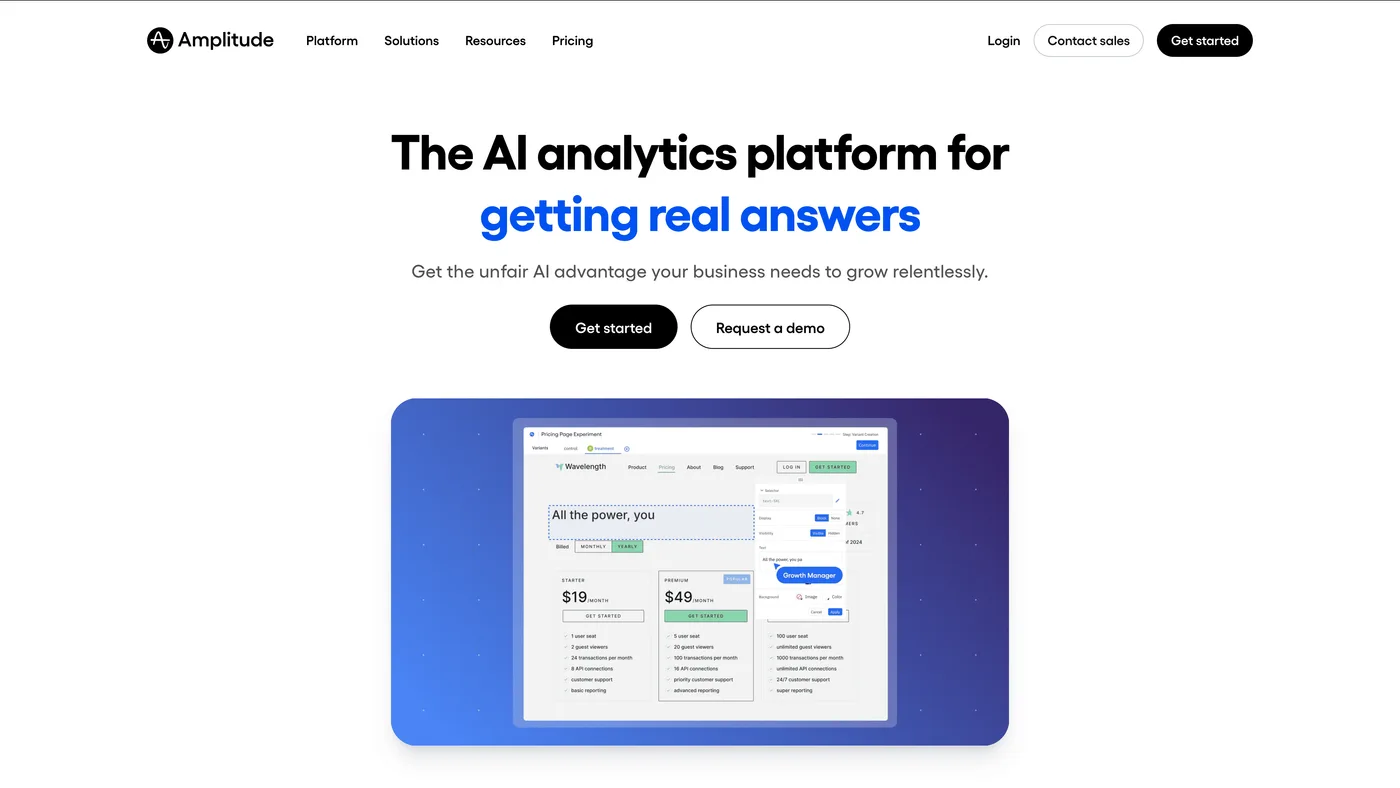
Best for: Product-led growth companies; teams needing self-serve behavioral analytics and experimentation at scale
So how does Amplitude differ from Mixpanel? Both are event-based product analytics platforms, but Amplitude pushes deeper into behavioral cohorting, experimentation, and enterprise-scale data governance. If Mixpanel is the fast, intuitive option for product teams, Amplitude is the more powerful — and more complex — choice for organizations that need sophisticated behavioral analysis across multiple product surfaces.
The built-in experimentation platform (Amplitude Experiment) sets it apart. Adobe Analytics achieves similar functionality only through Adobe Target — a separate, expensive product. Amplitude combines analytics and A/B testing in one platform, so measuring the impact of product changes happens without switching tools.
Core Capabilities
- Behavioral cohorting that groups users by sequences of actions — "did X, then Y, but not Z within 7 days" — rather than flat demographics
- Conversion analysis with automatic identification of the behaviors that most strongly predict conversion (Amplitude calls these "conversion drivers")
- Retention analysis with configurable brackets, lifecycle segmentation, and the ability to compare cohorts side by side over custom time periods
- Native A/B testing and feature flagging (Amplitude Experiment) — analytics and experimentation share the same data model, so measuring impact doesn't require data stitching
- Behavioral CDP that builds cohorts from product actions and syncs them to ad platforms, marketing tools, and CRMs for activation
- Schema enforcement and data governance tools that keep event taxonomies clean across large organizations with dozens of contributing teams
Strengths
- Behavioral cohorting goes deeper than any competitor — the query engine handles complex behavioral sequences that would require custom SQL in most other tools
- Built-in experimentation means teams can launch a feature flag, run an A/B test, and measure the result without leaving the platform; Adobe requires a separate Adobe Target license for this
- Warehouse-native architecture connects directly to Snowflake, BigQuery, or Redshift — analyze product data where it already lives without duplication or ETL
- Data governance is enterprise-grade: event schemas, property validation, and taxonomy management prevent the data quality decay that plagues large Adobe Analytics deployments
- Self-serve design lets product managers build sophisticated reports without analyst gatekeeping — try doing that in Analysis Workspace without specialist training
Limitations
- Advanced features demand expertise — The behavioral cohorting and experimentation capabilities are powerful but require meaningful investment in platform training; teams that just need basic funnels may find Amplitude over-engineered
- Cost structure favors large commitments — Event volume, team seats, and module access all factor into pricing; enterprise deployments commonly run $100K+/year, and the free tier is too restrictive for real production use
- Acquisition analytics aren't covered — Amplitude tracks what users do in your product, not which paid channels or campaigns brought them there; connecting product behavior to marketing spend requires separate tools
- Testing capabilities are newer — While the integrated experimentation is a differentiator, it's less mature than dedicated platforms like Optimizely for organizations running complex, multi-variant testing programs at scale
Best For
- Product-led growth organizations where activation, engagement, and retention are the primary metrics — not traffic or pageviews
- Enterprise product teams that need governed, self-serve behavioral analytics across multiple product surfaces and dozens of contributors
- Companies that want A/B testing and product analytics in one platform rather than paying separately for Adobe Analytics and Adobe Target
- Data engineering teams that prefer warehouse-native analysis over moving data into yet another SaaS tool
- SaaS, fintech, and marketplace businesses running continuous experimentation programs tied to product development cycles
Summary
If Adobe Analytics is the enterprise standard for web traffic analysis, Amplitude is its counterpart for product behavior analysis. The integrated experimentation, deep behavioral cohorting, and warehouse-native architecture make it a serious platform for data-mature product organizations. But Amplitude doesn't touch marketing measurement — it won't tell you which channels drive acquisition or where to shift ad budget. Teams that need both product and marketing intelligence typically run Amplitude alongside a platform like SegmentStream.
6. FullStory
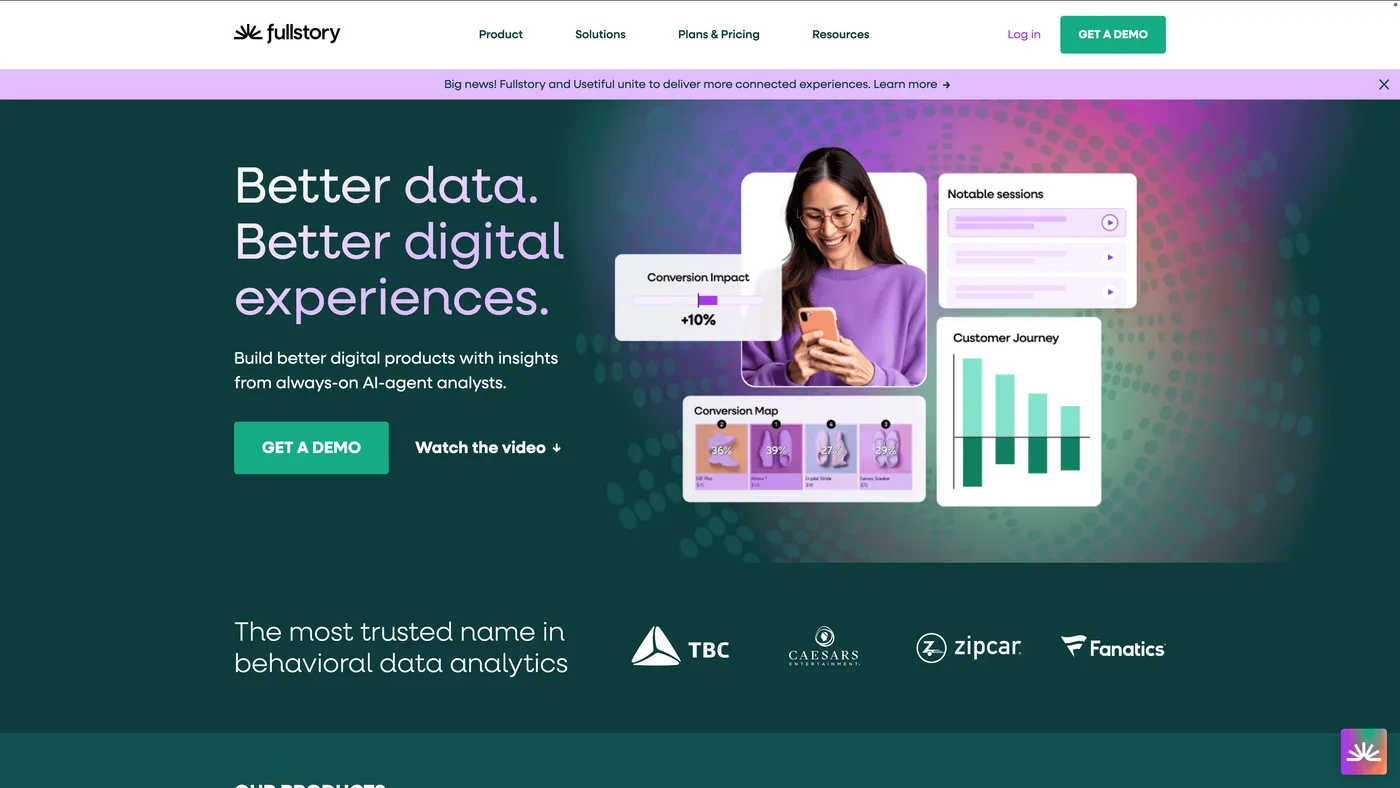
Best for: UX and product teams; e-commerce checkout optimization; engineering teams debugging front-end issues
You're staring at a 12% checkout drop-off in Adobe Analytics. Why are users leaving? Adobe won't tell you. FullStory will — because its core is session replay: pixel-perfect reconstructions of individual user sessions that let you watch exactly what a visitor experienced, where they got stuck, and what made them leave.
Around that core, FullStory layers frustration signal detection (rage clicks, dead clicks, error clicks), heatmaps, and product analytics. It's not trying to replace Adobe Analytics' quantitative depth. It's filling a qualitative gap that Adobe never addressed.
Core Capabilities
- Session replay with pixel-perfect DOM reconstruction — not screenshots, not approximations
- Tagless autocapture that records every interaction without manual instrumentation
- Frustration signal detection — rage clicks, dead clicks, error clicks, thrashed cursors surfaced automatically
- Product analytics — funnels, conversions, journeys layered on top of autocaptured data
- Heatmaps and click maps for aggregated interaction visualization
- AI-powered insights that surface anomalies and prioritize high-impact UX issues
Strengths
- Best-in-class session replay — widely regarded as the highest-fidelity replay on the market
- Autocapture eliminates the "I wish we had tagged that" problem — analyze retroactively without pre-defined tracking
- Frustration signals surface UX issues automatically without manual configuration
- Cross-functional value — product, UX, engineering, and support teams all use it differently
- Privacy controls include PII masking, element-level exclusion, and EU data residency
- Far simpler to deploy than Adobe Analytics — start capturing sessions within hours
Limitations
- Scoped to on-site and in-app behavior — Measures what users do within your digital properties, not how they got there or which paid channels drove them
- Session volume pricing scales steeply — High-traffic sites can see bills grow significantly; teams often implement session capture rate limits to control spend
- Performance overhead — The JavaScript snippet that captures DOM interactions adds page weight, particularly on complex single-page applications
- Quantitative analytics trails dedicated tools — Funnel analysis and cohort modeling are less mature than Amplitude or Mixpanel
Best For
- Product and UX teams that need to see exactly how users interact with interfaces and where they struggle
- Engineering teams that need to reproduce front-end bugs by replaying exact user sessions
- E-commerce companies optimizing checkout flows and reducing cart abandonment
- Customer support teams wanting to see what a customer experienced rather than relying on descriptions
- Mid-market to enterprise organizations with enough traffic to justify the investment
Summary
FullStory excels at answering "what went wrong for this user?" — a question Adobe Analytics can't touch with its aggregate reporting approach. It's a qualitative intelligence layer, not a quantitative analytics replacement. Don't expect it to answer marketing questions like channel contribution or budget allocation. That's not what it's for — and trying to stretch it there will disappoint.
7. Quantum Metric
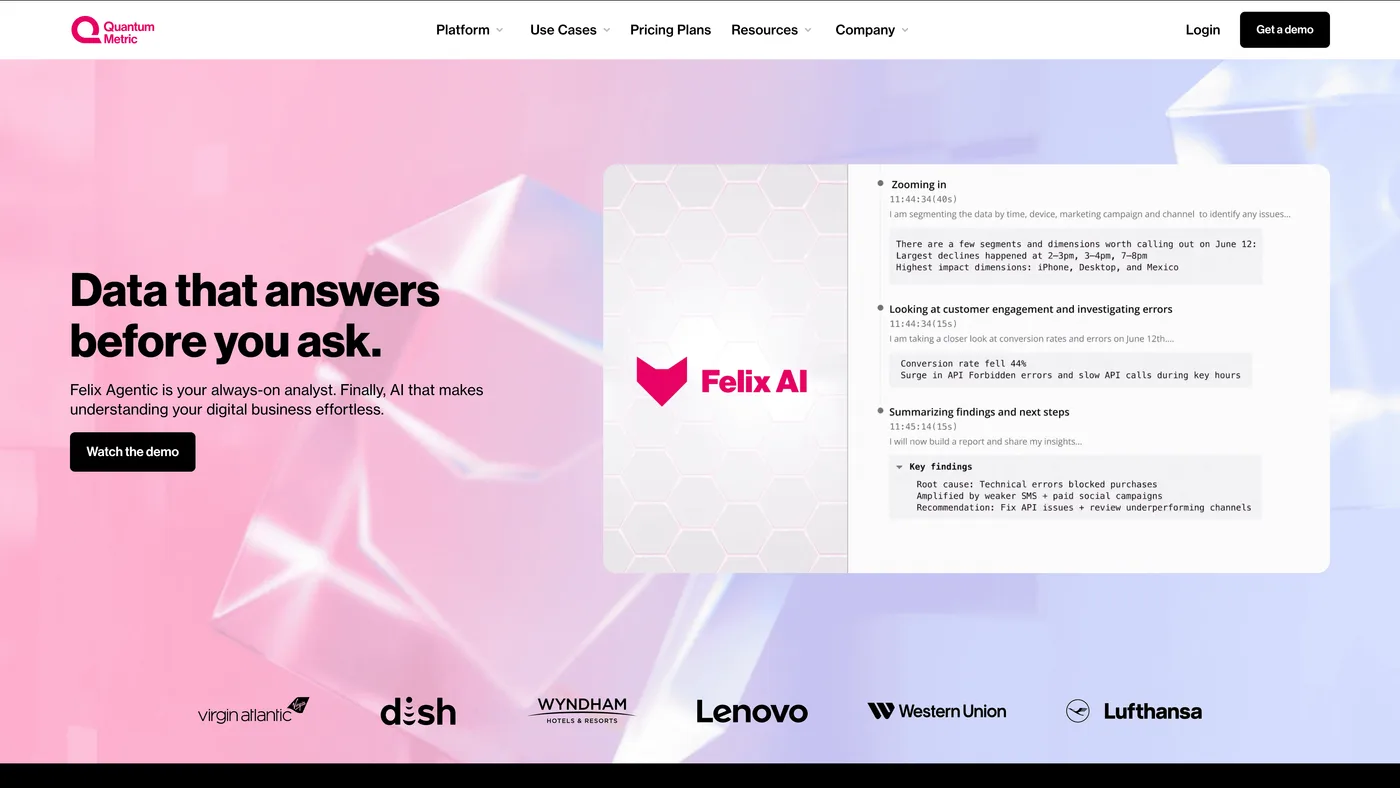
Best for: Enterprise digital teams in e-commerce, banking, insurance, and travel with high-value digital transactions
Quantum Metric's pitch is compelling: every UX issue on your website has a dollar value, and the platform calculates it automatically. A broken checkout step isn't just "friction" — it's $240K per month in lost revenue. That revenue-impact quantification is what sets Quantum Metric apart from most digital experience tools, including Adobe Analytics.
The platform combines session replay, automatic anomaly detection, funnel analysis, and business-impact scoring into what Quantum Metric calls "Continuous Product Design." ML models surface problems proactively — rather than waiting for an analyst to discover them in a dashboard.
Core Capabilities
- Session replay with automatic PII masking for full user journey reconstruction
- ML-driven anomaly and error detection — surfaces JavaScript errors, API failures, and UX friction without manual alert setup
- Business impact quantification (Atlas) — every detected issue gets a revenue-impact estimate
- Funnel and journey analysis linked directly to replay evidence and quantified impact
- Heatmaps and interaction maps for aggregated behavioral visualization
- Real-time dashboards with threshold-based alerting for product, UX, and engineering teams
Strengths
- Revenue-impact quantification is what makes this platform different — product and engineering teams can prioritize fixes based on dollar values, not just frequency
- Automatic anomaly detection reduces reliance on analyst-configured alerts and manual investigation
- Enterprise-grade session replay is deeply integrated with quantitative analytics
- Cross-functional alignment — bridges product, UX, engineering, and business teams around shared metrics
- Broad data capture layer enables retroactive analysis even for events not explicitly tracked
- Strong customer success and onboarding support — consistently cited in reviews
Limitations
- Steep learning curve for advanced features — Building custom segments, complex queries, and advanced dashboards requires significant platform-specific training
- Enterprise-only pricing — Positioned for large organizations with six-figure annual contracts; inaccessible to mid-market or smaller companies
- Digital experience scope — Excels at on-site behavior analysis but doesn't cover acquisition analytics, channel attribution, or campaign performance measurement
- Mobile analytics less mature than web — Mobile session replay and experience capture aren't as deep or polished as the web offering
Best For
- Large enterprises with significant digital revenue (e-commerce, banking, insurance, travel, telecom)
- Companies with complex digital funnels where UX friction directly translates to revenue loss
- Product management teams that need to prioritize roadmap items based on quantified business impact
- Engineering and DevOps teams identifying front-end errors and performance regressions
- Organizations wanting proactive issue detection rather than manual dashboard analysis
Summary
Quantum Metric does something Adobe Analytics cannot: automatically attach dollar values to UX problems and surface them before an analyst discovers them in a report. For enterprises where digital friction directly equals lost revenue — think checkout errors, form abandonment, API failures — the platform justifies its enterprise price tag. Marketing measurement isn't in scope, though. Quantum Metric tells you a broken checkout step costs $240K/month; it won't tell you which ad channel sent those shoppers there in the first place.
8. Salesforce Marketing Cloud Intelligence
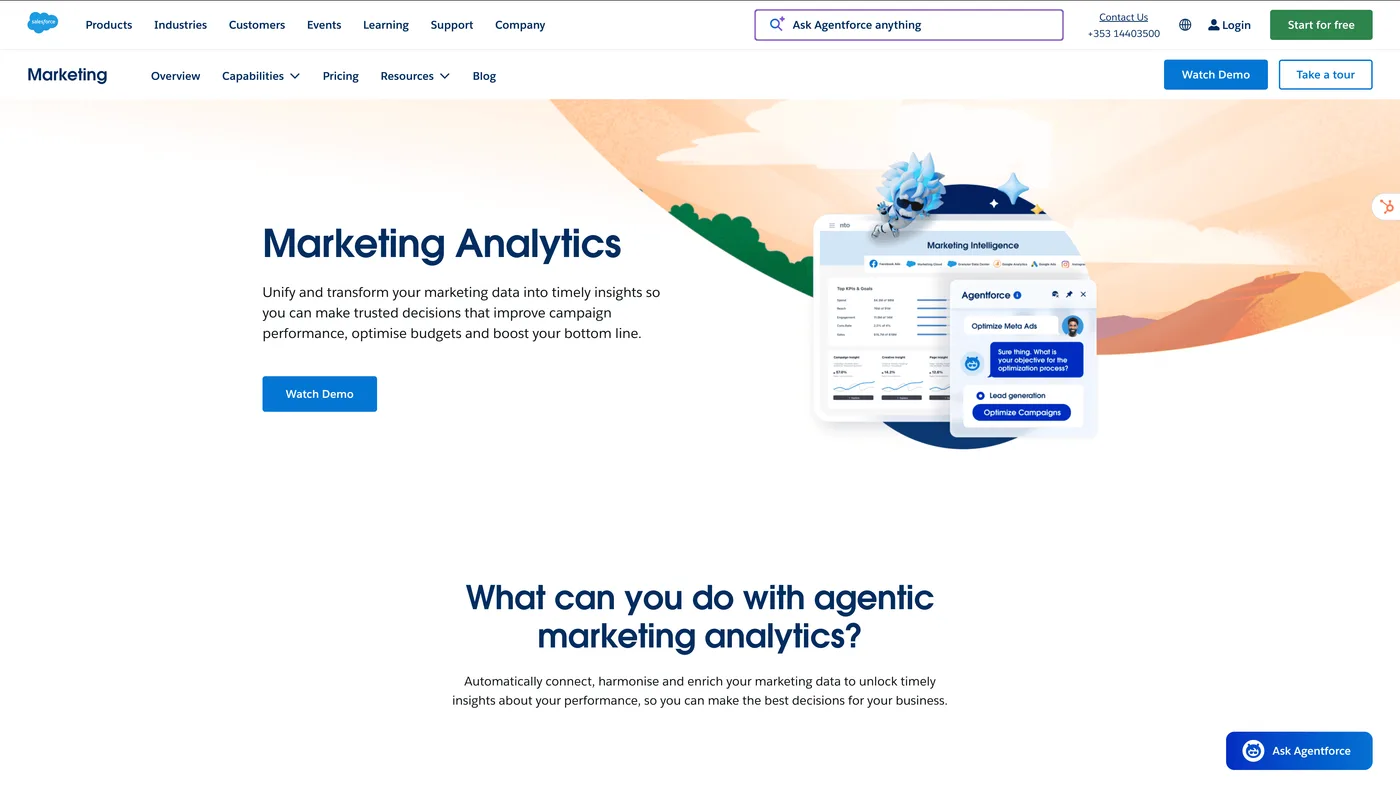
Best for: Salesforce-centric enterprises needing unified marketing dashboards; marketing ops teams consolidating cross-channel performance data
Here's something Adobe Analytics was never built to do: aggregate performance data from 170+ marketing platforms into one normalized view. Salesforce Marketing Cloud Intelligence (formerly Datorama) was built for exactly that problem. It pulls spend, impressions, clicks, and conversions from Google, Meta, LinkedIn, TikTok, email platforms, and dozens of other sources into centralized dashboards.
The Salesforce CRM connection is the real differentiator. For organizations running Salesforce Sales Cloud and Marketing Cloud, MCI creates a single reporting layer that connects marketing spend to pipeline and revenue data — without custom integrations.
Core Capabilities
- 170+ pre-built API connectors to ad platforms, analytics tools, CRM, email, and social media
- Centralized KPI dashboards with cross-channel spend, impressions, and conversion views
- Native Salesforce CRM integration — unifies marketing data with pipeline and revenue
- AI-powered insights via Salesforce Einstein — automated anomaly detection and trend identification
- Customizable data modeling with custom metrics, calculated fields, and business-specific KPIs
Strengths
- Strongest data unification capability for marketing teams — built specifically to consolidate fragmented performance data from dozens of sources
- Native Salesforce ecosystem fit — data flows between Sales Cloud, Marketing Cloud, and MCI without custom integration
- Cross-channel spend visibility that neither Adobe Analytics nor GA4 provide natively
- Enterprise scalability for global marketing organizations with hundreds of campaigns
- Flexible data model that adapts to any organization's KPI framework and reporting hierarchy
Limitations
- Reporting layer, not measurement — Aggregates and visualizes data but doesn't perform attribution modeling, incrementality testing, or causal measurement; teams still need separate tools for understanding which marketing drove incremental outcomes
- Insights depend entirely on data structure — The platform shows what you configure; without clean taxonomy and consistent naming, dashboards will be misleading
- Implementation burden — Despite being a "reporting" tool, proper setup requires weeks to months of data mapping, taxonomy alignment, and connector configuration
- Salesforce lock-in — Most valuable within the Salesforce ecosystem; organizations not using Salesforce CRM get less benefit, and migration is difficult once data flows are established
Best For
- Large enterprises already running Salesforce CRM and Marketing Cloud
- Marketing operations teams responsible for consolidating performance data across many channels
- Organizations with multi-region, multi-brand marketing structures needing standardized KPI reporting
- CMOs who need a single dashboard view of total marketing spend and performance
Summary
Salesforce Marketing Cloud Intelligence solves a problem Adobe Analytics doesn't even attempt: unifying marketing performance data across every channel into one view. But it's a reporting and data aggregation layer — not a measurement solution. It tells you how much you spent and what each platform reported, but it can't tell you which marketing actually drove incremental revenue. Teams that need measurement alongside unified reporting pair MCI with a platform like SegmentStream for attribution, incrementality testing, and budget optimization.
9. Piwik PRO
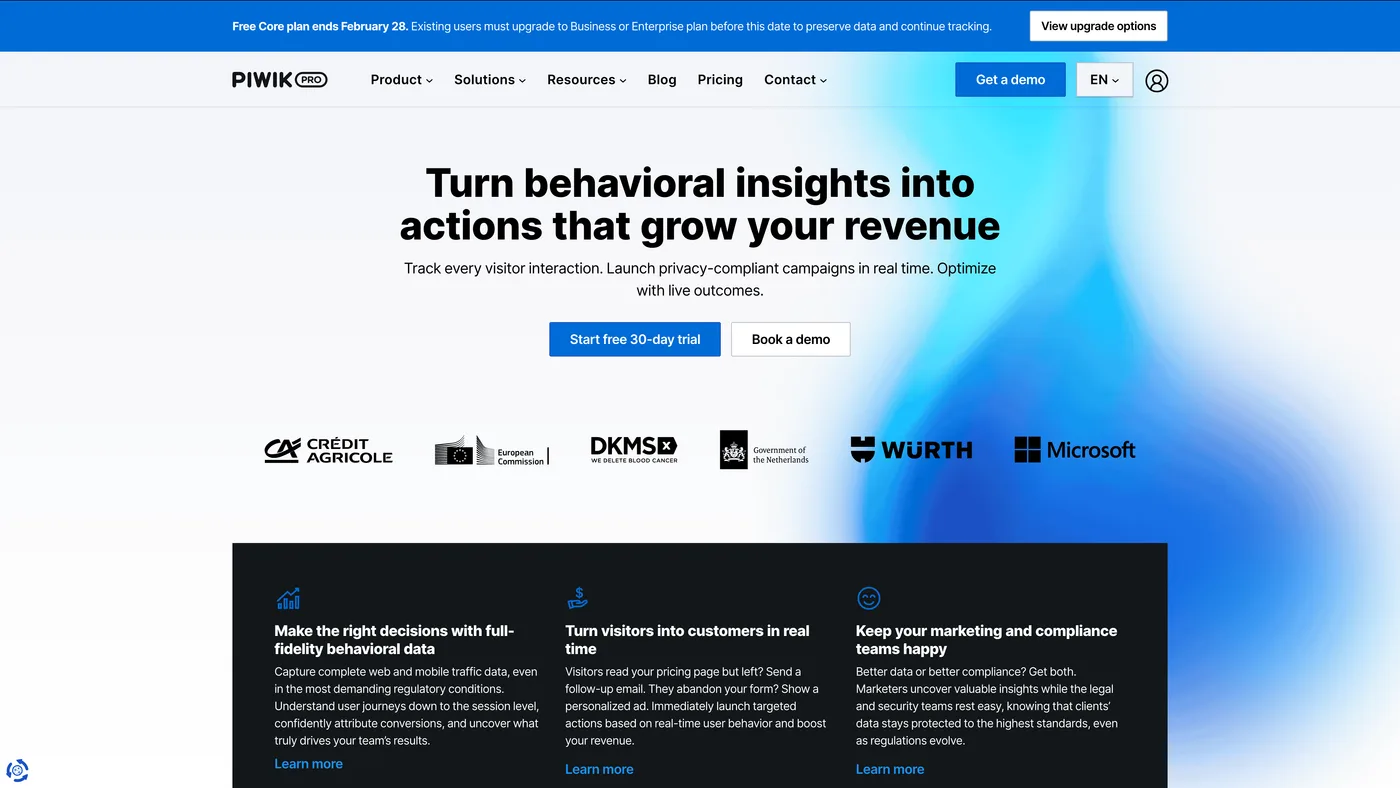
Best for: Regulated industries (healthcare, finance, government); European enterprises with strict data sovereignty requirements
For organizations where data privacy isn't a feature request but a legal requirement, Piwik PRO might be the only analytics platform that checks every compliance box. GDPR, HIPAA, ISO 27001, SOC 2, CCPA — the certifications are built into the product architecture, not bolted on after the fact.
What makes Piwik PRO particularly interesting as an Adobe Analytics alternative? Data ownership. With Adobe Analytics, data flows through Adobe's cloud infrastructure under Adobe's data processing terms. With Piwik PRO, you own 100% of your data and choose exactly where it lives — EU, US, private cloud, or on-premises.
Core Capabilities
- Web and app analytics with custom dashboards, segmentation, funnels, and user flow analysis
- Built-in Consent Manager for cookie consent collection and consent-based data processing — no third-party CMP needed
- Integrated Tag Manager for deploying tracking tags without code changes
- Customer Data Platform (CDP) for unifying first-party profiles and creating audiences
- Data residency control — EU, US, private cloud, or on-premises deployment options
- Compliance-ready architecture for GDPR, HIPAA, CCPA, PECR, and LGPD
Strengths
- True data ownership — you own 100% of collected data; the vendor doesn't access or use it
- Regulatory certifications (ISO 27001, SOC 2 Type II, HIPAA-ready) critical for healthcare, finance, and government
- Flexible hosting including on-premises deployment — a capability Adobe Analytics doesn't offer
- All-in-one privacy suite — analytics, tag management, consent management, and CDP eliminates multi-vendor integration complexity
- No data sampling at standard volumes — reports on raw, unsampled data
- CNIL-approved — explicitly cited by France's data protection authority as a compliant analytics alternative
- Usable free tier (500K actions/month) lowers the barrier to entry compared to Adobe's six-figure contracts
Limitations
- Analytics depth plateaus at mid-tier complexity — Advanced calculated metrics, statistical modeling, and sophisticated pathing are less flexible than Adobe Analytics' Analysis Workspace
- CDP module is relatively basic — Handles audience building and simple activation, but lacks the depth of dedicated CDPs like Segment or Tealium for complex data orchestration
- Narrower ecosystem — Fewer native integrations with advertising platforms, marketing automation tools, and data warehouses compared to Adobe Analytics; often requires custom API work
- Enterprise scale requires significant investment — On-premises and private cloud deployments involve meaningful infrastructure costs that can approach Adobe Analytics levels
Best For
- Healthcare systems and hospital networks that need HIPAA-compliant analytics with auditable data processing and storage
- Banks, insurers, and financial services firms where data governance and residency are regulatory requirements — not optional preferences
- Government agencies and public sector bodies subject to data sovereignty mandates that prohibit data transfer to US-based cloud providers
- European enterprises that want analytics with GDPR compliance certified by actual data protection authorities (CNIL, in Piwik PRO's case)
- Organizations paying six figures for Adobe Analytics that only use a fraction of its capabilities and would benefit from a simpler, privacy-first alternative at lower cost
Summary
Piwik PRO competes with Adobe Analytics on a dimension Adobe can't easily match: full data ownership with certified privacy controls. The bundled suite — analytics, tag management, consent management, CDP — means regulated organizations don't need to stitch together multiple vendors and hope the integrations don't leak data. Analysis Workspace still offers more analytical flexibility, but for teams where the compliance audit matters more than the 47th custom calculated metric, Piwik PRO is the stronger choice. It won't measure your marketing performance across paid channels, but that was never the point.
How to Choose the Right Alternative for Your Needs
The mistake most teams make when leaving Adobe Analytics? They look for a 1:1 replacement. A better approach is to identify which of Adobe's capabilities you actually used — and which gaps frustrated you most.
Start with the problem Adobe Analytics didn't solve:
- "We can't connect ad spend to revenue across channels" → SegmentStream — marketing measurement, incrementality testing, attribution, and budget optimization
- "We need enterprise web analytics without Adobe's cost and complexity" → Google Analytics 360 — similar scope, lower price, BigQuery export
- "Our product team can't get data without filing analytics tickets" → Heap (autocapture) or Mixpanel (self-serve event analytics)
- "We need experimentation and product analytics in one tool" → Amplitude — behavioral analytics with built-in A/B testing
- "We want to see what users actually experience on our site" → FullStory or Quantum Metric — session replay and digital experience analytics
- "Marketing data is scattered across 30 platforms" → Salesforce MCI — data unification and centralized dashboards
- "We need certified privacy compliance and data ownership" → Piwik PRO — GDPR, HIPAA, on-premises options
How much are you spending on paid media?
If you're investing $100K+/month across multiple channels, the measurement gap matters most. SegmentStream handles cross-channel attribution, incrementality, and automated budget optimization — the stuff Adobe was never built for. Spending less? GA4 covers web analytics, and you can layer in a specialized tool for your biggest gap.
What does your existing stack look like?
Heavy on Google Ads, DV360, and SA360? GA 360 is the path of least resistance. Running Salesforce CRM and Marketing Cloud? Salesforce MCI plugs in natively. Keeping parts of Adobe Experience Cloud? You don't have to rip everything out — supplement with SegmentStream for the measurement Adobe can't do.
What can your team actually handle?
This one matters more than people think. If you've got experienced analytics engineers, GA 360 or Amplitude can handle enterprise complexity. Lean team without specialists? Heap's autocapture and Quantum Metric's automatic detection reduce the dependency on technical resources. Marketing-focused team with no measurement practice? SegmentStream's expert-led partnership fills that gap — they run the analysis with you, not just hand you a dashboard.
Final Verdict: Which Adobe Analytics Alternative Is Right for You?
- If you want similar analytics at lower cost: Google Analytics 360 covers most of Adobe's digital analytics capabilities at roughly half the price. BigQuery export is a real win for data engineering teams. You're swapping one vendor lock-in for another, but the cost math often makes the switch worthwhile.
- If your product team needs their own analytics: Amplitude is the enterprise-grade choice with integrated experimentation. Mixpanel is faster and more intuitive for teams that prioritize speed. Heap eliminates the implementation burden entirely with autocapture. Pick based on your team's technical sophistication and scale.
- If you need to see what users actually experience: Quantum Metric's automatic revenue-impact scoring is unmatched for enterprises where digital friction costs real money. FullStory's session replay is the most precise on the market and more accessible for mid-market teams.
- If marketing data consolidation is the bottleneck: Salesforce Marketing Cloud Intelligence pulls spend and performance data from 170+ sources into unified dashboards. It's reporting, not measurement — but for teams drowning in fragmented data, that distinction doesn't matter at first.
- If compliance drives the decision: Piwik PRO is the only platform on this list with CNIL approval, on-premises deployment, and HIPAA readiness built into the product. When the alternative is a failed audit, the decision is straightforward.
Here's the honest takeaway: there's no single replacement for Adobe Analytics. And that's fine. The strongest approach combines a marketing measurement platform (SegmentStream) with a product analytics tool (Amplitude, Mixpanel, or Heap) and, if needed, a digital experience layer (FullStory or Quantum Metric). The sum ends up more capable than Adobe Analytics alone — often at a comparable or lower total cost.
Frequently Asked Questions
-
Should I switch from Adobe Analytics to Google Analytics 360?If your advertising runs primarily through Google's stack (Google Ads, DV360, SA360), the switch can make financial sense — GA 360 starts at around $50K/year versus Adobe's six-figure contracts. BigQuery export gives data teams more flexibility than Adobe's data extraction methods. But you're trading one walled garden for another, and both platforms share the same core limitation: on-site analytics without cross-channel marketing measurement.
-
How do I measure marketing effectiveness if Adobe Analytics can't?Adobe Analytics tracks on-site touchpoints but can't measure how paid channels like Meta, TikTok, or YouTube contribute to conversions across the full journey. SegmentStream solves this with cross-channel attribution, geo-holdout incrementality testing, and automated budget optimization — capabilities designed to answer "which marketing produces incremental revenue" rather than "what happened on our website."
-
Can SegmentStream replace Adobe Analytics?They're designed for different jobs. Adobe Analytics tracks user behavior on your website and app. SegmentStream measures which paid media channels produce incremental revenue and how to reallocate budgets for better ROI. Think of it as the marketing measurement layer Adobe doesn't have yet. Most teams run SegmentStream alongside a web analytics tool — Adobe, GA4, or GA 360 — rather than replacing one with the other.
-
Do most companies use one analytics tool or several?Several. The idea that one platform handles everything is appealing but rarely true. A common setup: GA4 or GA 360 for web analytics, SegmentStream for marketing measurement and optimization, and Heap or Mixpanel for product behavior. Each tool does one job well — better than any all-in-one platform trying to cover everything.
-
What's the biggest problem with Adobe Analytics?The cost-to-value ratio. Enterprise contracts typically exceed six figures annually, and that's before the months of implementation, the dedicated analytics engineers, and the specialized training needed to operate Analysis Workspace. Many organizations end up paying premium prices for a tool that only 3-5 trained analysts can actually use — while everyone else waits for reports.
-
What analytics platform works best for regulated industries?Piwik PRO was built from the start for compliance-heavy environments. It holds ISO 27001 and SOC 2 Type II certifications, supports HIPAA through Business Associate Agreements, and offers data residency in the EU, US, private cloud, or on-premises. France's CNIL has explicitly cited it as a compliant alternative. Adobe Analytics can be configured for compliance but doesn't match Piwik PRO's built-in controls.
-
How much does it cost to replace Adobe Analytics?It depends on what you're replacing it with. GA 360 runs roughly $50K/year. Product analytics (Mixpanel, Amplitude) start free and scale to $30K–$100K+ for enterprise. Piwik PRO's Core plan is free; enterprise pricing varies. FullStory and Quantum Metric are typically six-figure annual contracts. SegmentStream pricing is based on your ad spend level. Many teams find their replacement stack costs less than Adobe Analytics alone.
Related Articles
- Top-8 Best Alternatives to GA4 (Google Analytics 4)
- Top-15 Best Marketing Analytics Tools and Platforms
- Top Enterprise Marketing Analytics and Attribution Platforms
- Best Multi-Touch Attribution Tools for E-Commerce and DTC Brands
Ready to Go Beyond Adobe Analytics?
Adobe Analytics shows you what happened on your website. SegmentStream shows you which marketing investments drive incremental revenue — and automatically optimizes your cross-channel paid media budget to maximize ROI.
Talk to a SegmentStream measurement expert to see how cross-channel attribution, geo-holdout incrementality testing, and AI-powered budget optimization work together to improve paid media performance.
Book a demo to see SegmentStream in action.